

Works / SaaS explainer video examples
SaaS explainer video examples, film by film
MoveUp Studio made these films for nine software firms, from Auckland: six explainers, and product demos for three more. For each, we show the problem it opens on and where it plays.
5.0 from 42 Google reviews 2026 Telly Awards: Silver and People’s Telly Bronze
9 software firms, and the films we made for them
What the nine have in common
- Each shows the product’s real screens
- Six end on a demo or a free trial offer
- Lengths from 54 seconds to 1 minute 39
- Made in Auckland, for firms in NZ and Australia
Want one for your product? See our explainer videos. For launch films, ads and how-to videos, see our videos for software companies.
What we ask you for
Your product screens, your brand files and who the film is for. AskNicely sent us notes and screens, and we built its film from them.
If you already have a script, send it. Crossfire’s parent company wrote one, and we turned it into a storyboard.
“Love this awesome kiwi crew who helped us with our international campaign and just got the ask right off the bat.”
What each example shows
One problem per film, then the fix.
Crossware: one change, every signature
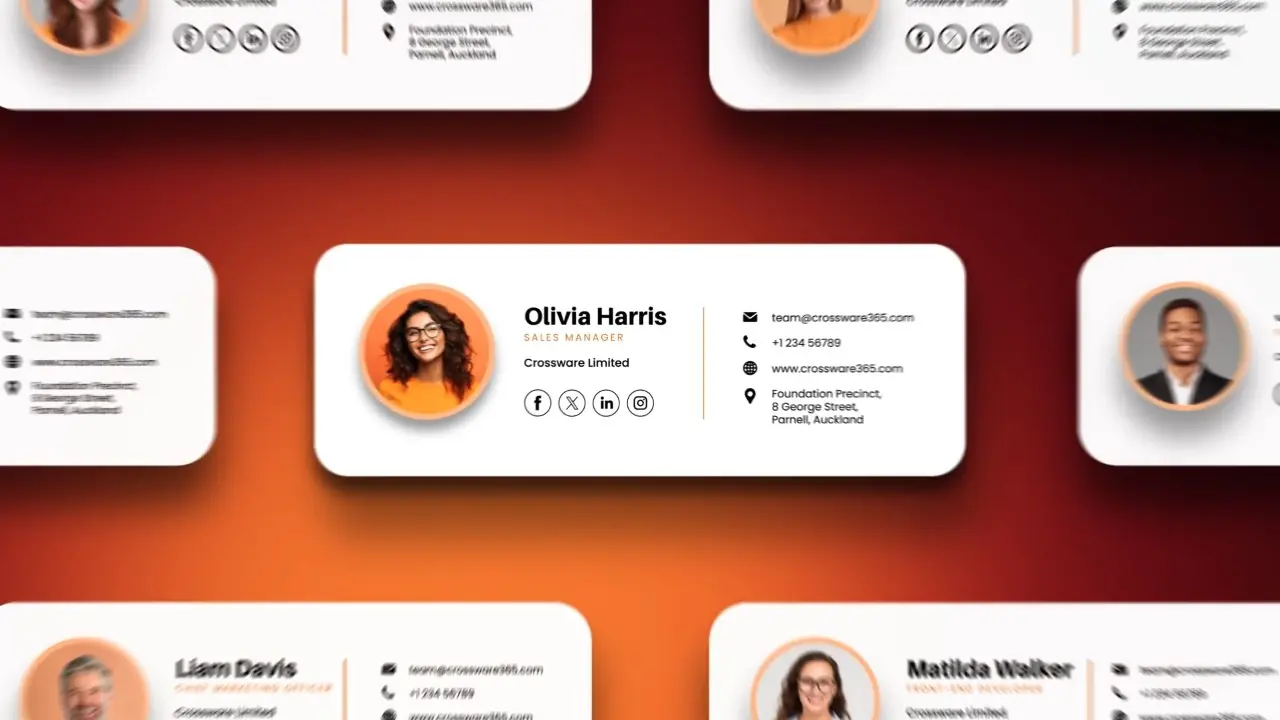
Crossware sells email signature software. Its film opens on staff cards. Then come signatures with their pictures crossed out. A banner is dragged into one, and the voice says every signature in a company can change in seconds.
The film runs 1:18 and ends on a free trial button. Crossware’s YouTube shows 44,922 views of it (checked 3 October 2026).
PurchasePlus: a beast made of paperwork
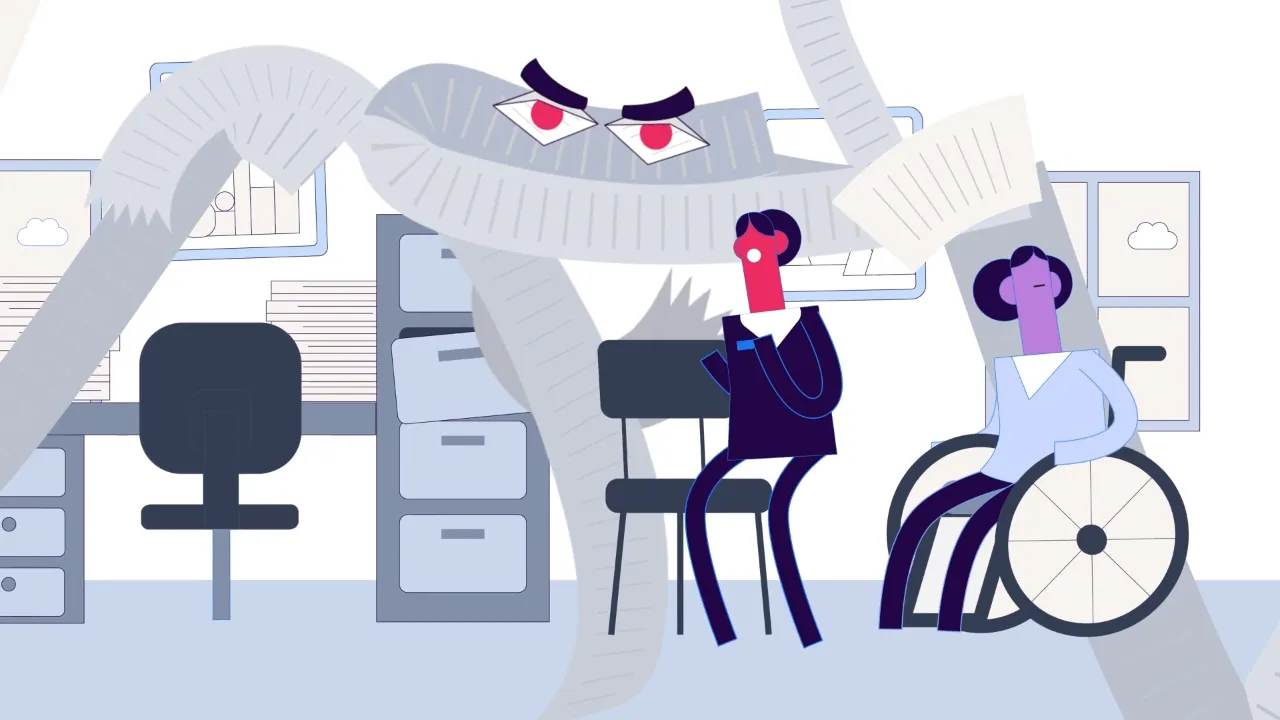
PurchasePlus makes procurement software. In its film for care homes, paper pours from the drawers and gloves and toilet rolls fly in. A beast made of paperwork looms over the staff. The app opens on a tablet only at 0:39.
We cut five paid ads of 13 to 17 seconds from the film’s own scenes. PurchasePlus built a campaign page around it.
PayFast: the cost of one wrong detail
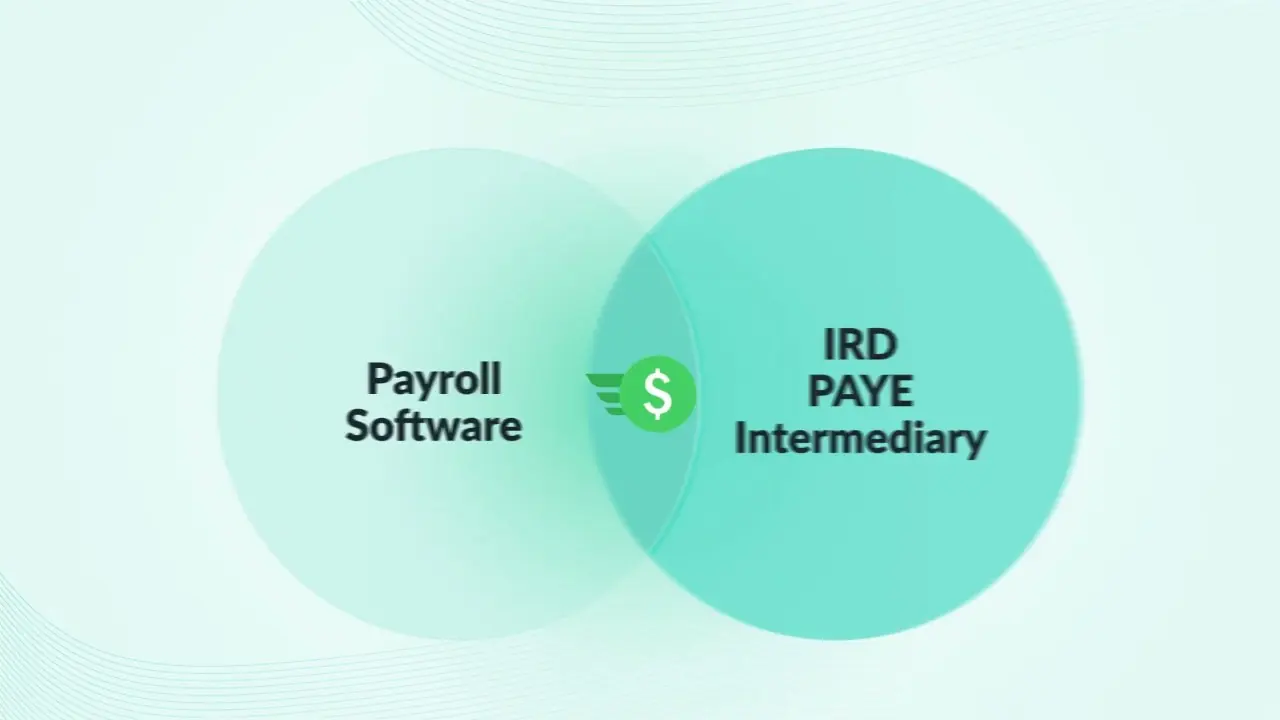
PayFast makes payroll software for New Zealand firms. Its film opens on exports and uploads. Then a warning: if one detail is wrong, IRD penalties can follow. Pay and PAYE then meet in one place.
PayFast wanted switching payroll to feel safe. The film ends on Book a Demo, and it is the welcome video on PayFast’s YouTube.
ProWorkflow: a new version, feature by feature
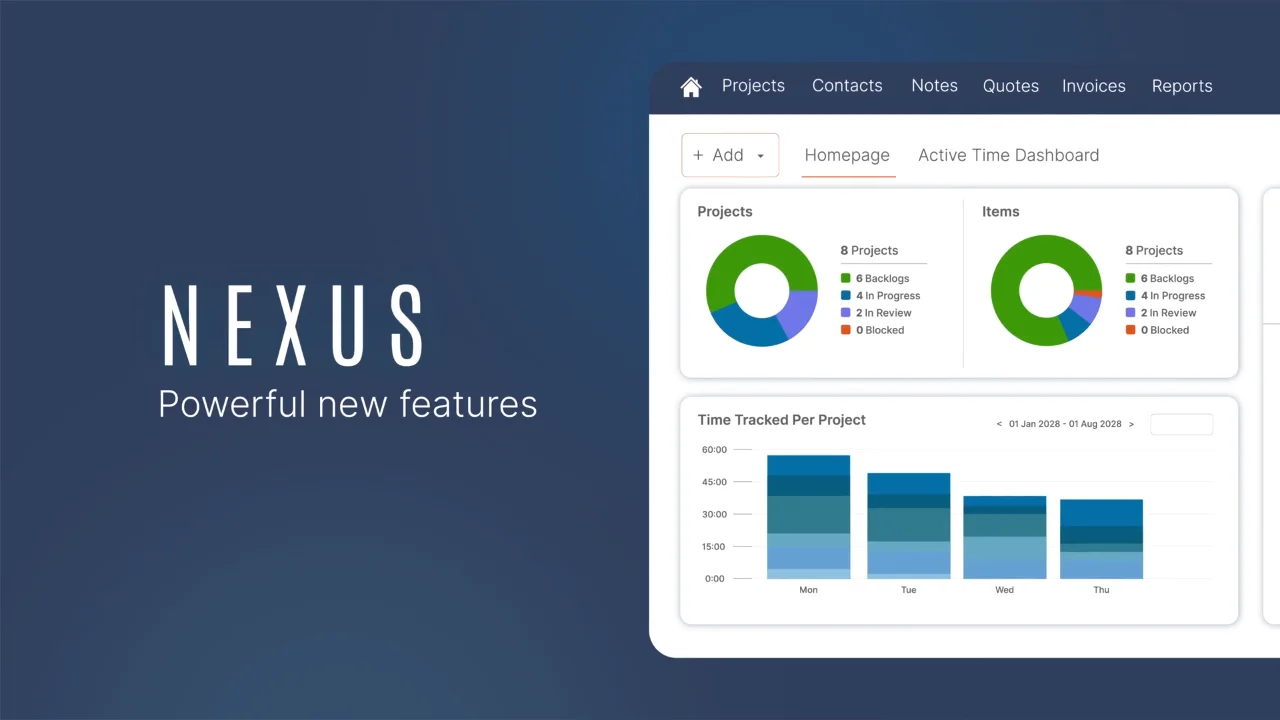
ProWorkflow made this film for the launch of Nexus, its new project management software. It opens on scraps of project screens. Then it tours materials, Gantt charts, time tracking, quotes and live margins.
We also made five short versions of 14 to 28 seconds for LinkedIn and YouTube. The Watch Demo button on ProWorkflow’s homepage plays the full film.
EsseVault: two kinds of user in one film
EsseVault keeps private files in digital vaults. We planned the film in two halves. One is for the firms that store their clients’ documents. The other is for the clients, who each get a vault of their own.
Two short versions came out of it, 35 and 38 seconds long. Every version has three voices: US, Australian and British English. The film leads EsseVault’s homepage.
Crossfire: one error, fixed in the portal
Crossfire runs EDI links for suppliers, retailers and 3PLs. Its film follows one problem through the Customer Portal. A Product Code Error warning comes up. Then the product details show, and the labels print.
It mixes real portal screens with simple icons and big type, over 90 seconds. The film plays on Crossfire’s Customer Portal page.
AskNicely: one question for NiceAI
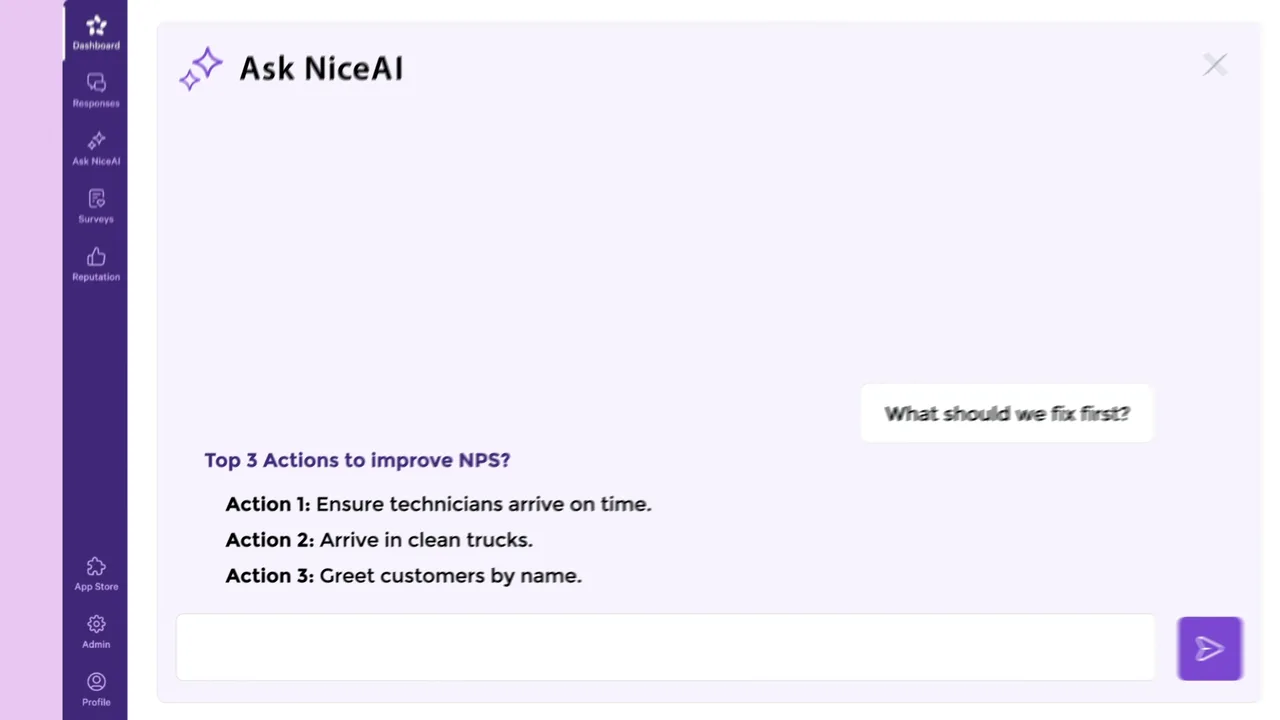
AskNicely helps service firms hear what their customers think. This demo launched NiceAI, its new AI helper. It is built on one moment: a user types a question, and NiceAI says what to fix first.
It runs 54 seconds, ends on Book a Demo and leads AskNicely’s homepage.
Comply Pro: real crews, animated screens
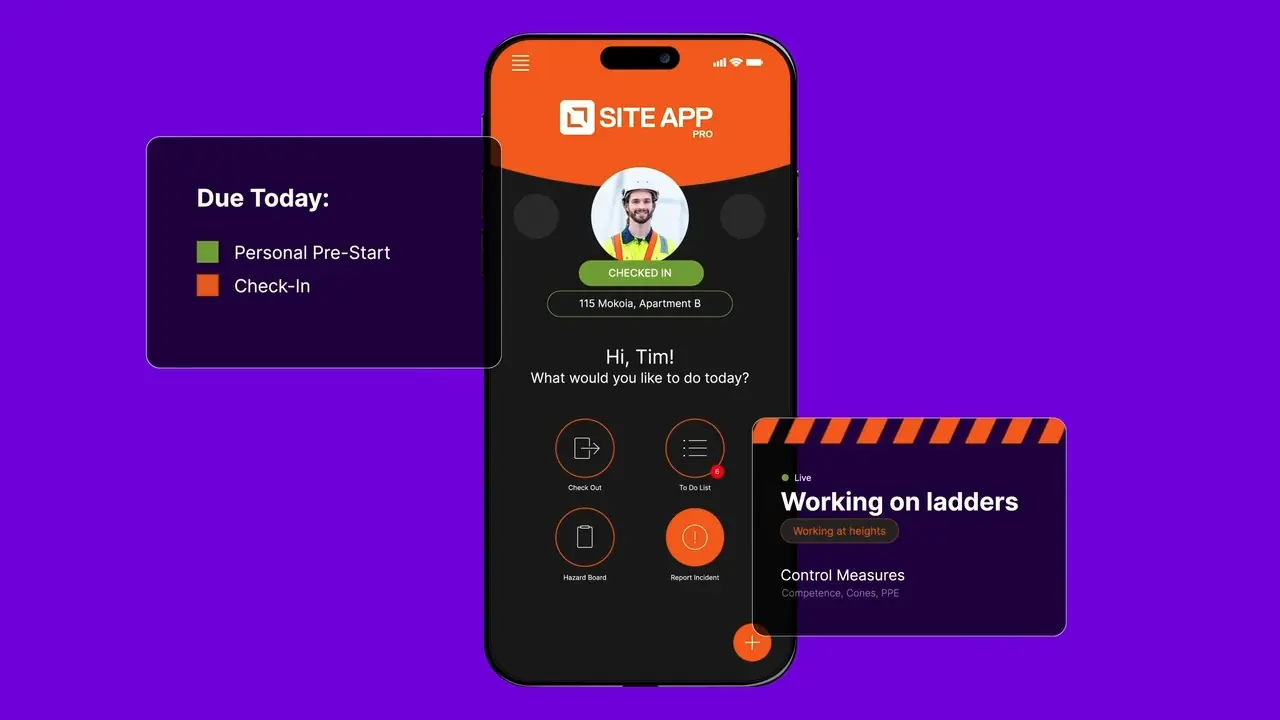
Site App Pro is Comply Pro’s health and safety app. We filmed a real work site in 4K, from the ground and by drone. Then we animated the app’s screens over the footage: a QR check-in, a hazard card and a toolbox talk form.
The film plays on Site App Pro’s homepages in NZ, Australia and the US.
Central Innovation: a demo for each tool
Central Innovation sells design software and makes tools of its own. We made a brand film and three demos, one per tool. Each demo opens on the problem its tool solves. In the one for #Task, SOLIDWORKS error boxes pile up.
Each demo plays on its tool’s own page. All four films are on Central Innovation’s YouTube.
“MoveUp created great assets for us that are converting customers already via our website and Youtube.”
Questions about SaaS explainer videos
What is a SaaS explainer video?
A short film that shows how a piece of software solves a problem its buyer already has. Most of the MoveUp Studio films on this page open on that problem. Then they show the product at work.
How long should a SaaS explainer video be?
Most explainers from MoveUp Studio run 60 to 90 seconds. A demo of one new feature can be shorter, like AskNicely’s.
What are some of the best SaaS explainer videos?
Ones that open on the buyer’s problem and show real screens. The film MoveUp Studio made for Crossware did both. It won Silver for B2B animation at the 2026 Telly Awards.
What are the different types of explainer videos?
This page holds four. There are animated explainers, like PayFast’s, and demos built on real screens, like AskNicely’s. Comply Pro’s demo is set over live footage. Central Innovation’s brand film tells the firm’s story. MoveUp Studio can also cut short versions and ads from a film.
How do you make a SaaS explainer video?
MoveUp Studio agrees the message and writes the script with you first. Then come the moodboard, the storyboard and the animation. You sign off each stage before the next one starts.
Can AI make a SaaS explainer video?
Some AI tools say they can. MoveUp Studio uses AI behind the scenes. But our team writes the message and the script. Malcolm Jull of PurchasePlus put it this way in his Google review: “People might think it’s easy to do this stuff with some AI tool, I can promise you, it is not, you need a team like MoveUp.”
How much does a SaaS explainer video cost?
MoveUp Studio lists every price on its pricing page. Length, how much is drawn and how many short versions you need move the price most.
What are common examples of SaaS?
Payroll, buying, project tools and email signatures are four. MoveUp Studio has made films for firms in each. Others here sell file vaults, EDI links, feedback tools, site safety and design tools.
Updated
What would yours look like?
Tell us what your software does and who buys it.
A written scope before you pay anything. The price you approve is the price you pay. If we underestimated the work, we absorb it.
The call is 30 minutes with Greg, our co-founder. You’ll know which product fits and roughly what it costs.
Prefer to write first? Send us your brief. We reply within one working day.